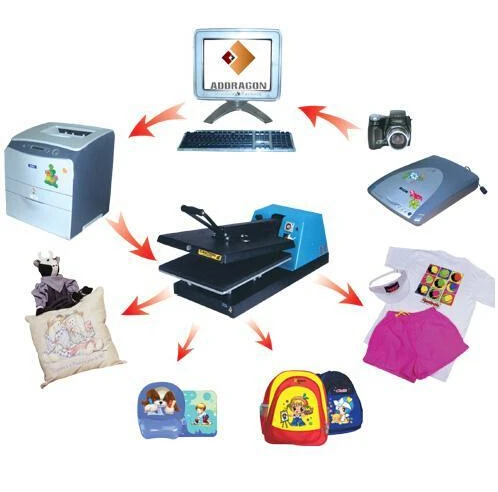
- Printer setup. In print setup, recommend to select 鈥渢ext and images鈥� and "plain paper" mode for satisfactory printing results.
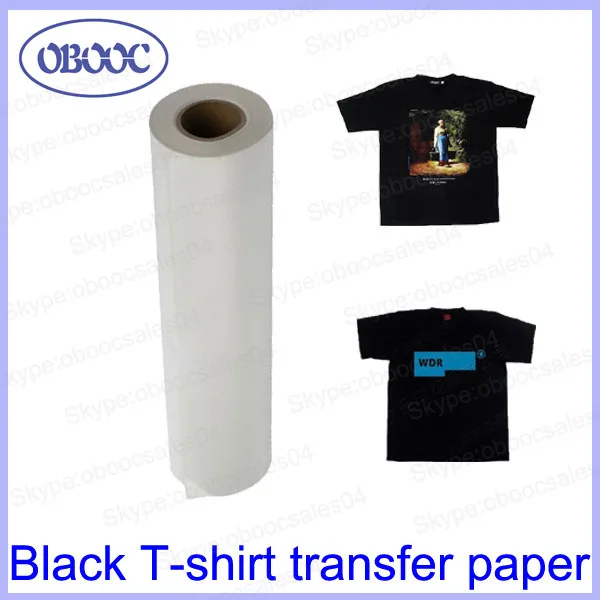
- Print the wishful pattern first onto transfer paper and leave it to dry for about 10 minutes before transferring.
- Cut out the image, leaving a narrow margin of 5 mm around the pattern edges.
2. Transferring - Preheat the heat press machine and set the recommended transfer temperature to 150-165掳C.
- Peel the base paper from the printed coating, and the coating would remain as a film-like material.
- Place the coating onto the textile with the printed (image) side facing upwards.
- Put a sheet of isolation paper onto the image, with the glossy side of the isolation paper facing towards the image.
- Transfer for 15-30 seconds and then remove the textile, peel the isolation paper after cooled.